Portfolio
Headshots Boudoir Personal Brand
More
Guides Investment Guided Posing About Book a Session
Home  /  Guides  /  RAW vs JPEG, and Why Photographers Deliver Finished Files
Knowledge

RAW, JPEG, and why finished pictures get delivered.

RAW gets talked about as though it were a better kind of photograph. It is not a photograph at all. It is the reading a camera took off its sensor, before anyone decided what the picture should look like, and understanding that one distinction explains almost everything about how photographs are made and handed over.

By Annie Watson · Naples, Florida · Updated September 2026
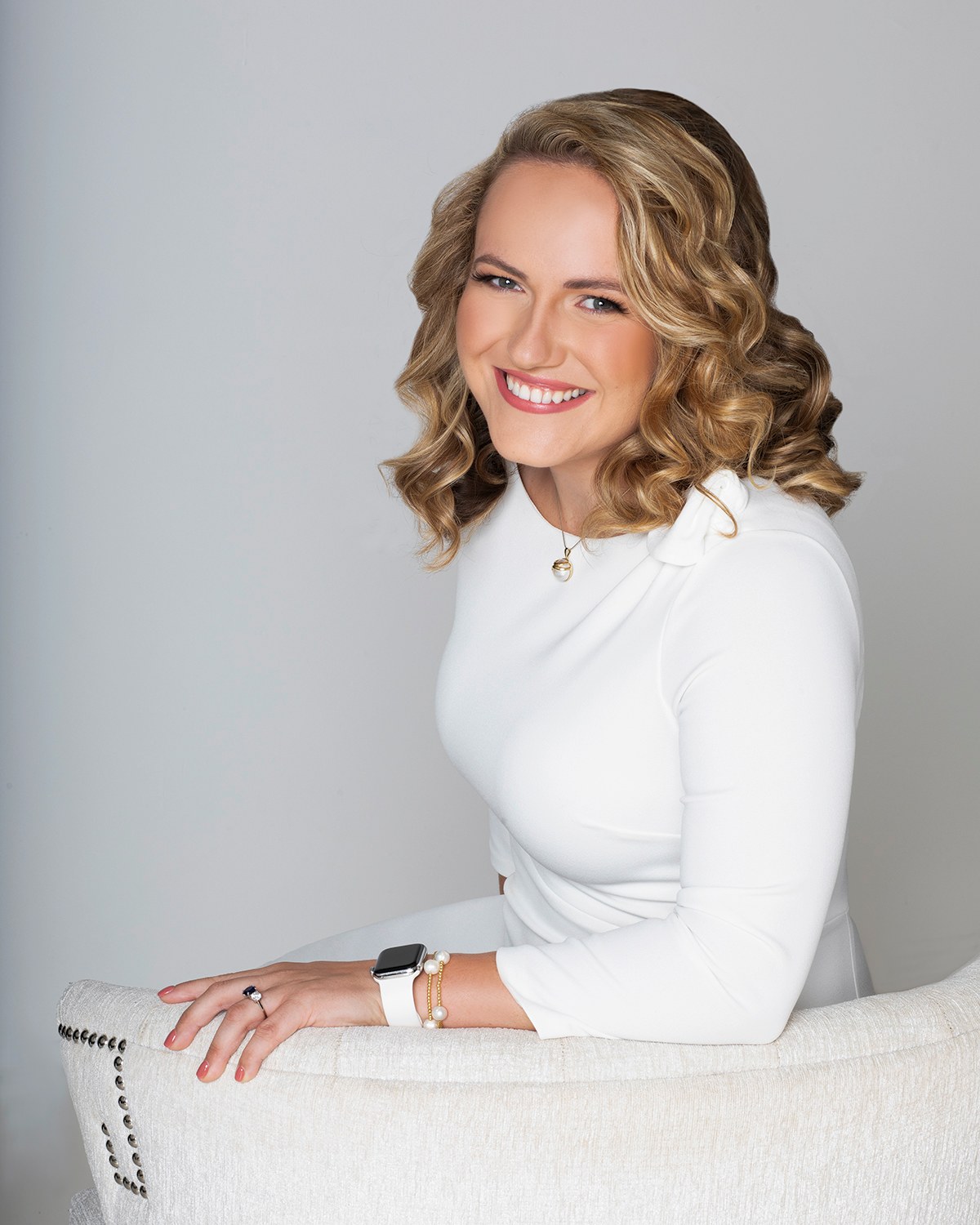
Woman with long blonde curls in a white top, seated and smiling, light backdrop, photographed by Annie Watson in her Naples studio
The Short Answer

A RAW capture is the unprocessed data a camera sensor recorded: brightness values, one color reading per site, plus notes about the settings in use. It is a negative. It has to be interpreted before it becomes a picture anyone can look at. A JPEG is the finished, interpreted result, in a form every screen, printer and website can read.

That interpretation is not a formality. White balance, tone, color, noise handling and sharpening are all decided during it, and two people working from the same capture will produce two different photographs. This is why finished pictures are the normal deliverable in portraiture: the interpretation is the work, not a step on the way to it.

What a sensor actually records.

A camera sensor is a grid of tiny wells that count light. They are colourblind. On their own they can only report how much light arrived, not what color it was, so a fine mosaic of color filters is laid over the grid: each well sees only red, or only green, or only blue, in a repeating pattern with twice as many greens as anything else, because the human eye is most sensitive to green.

So the reading that comes off the sensor is a single gray mosaic in which every position knows one third of its own color and nothing about the other two thirds. Alongside it the camera writes down what it was doing at the time: the lens, the exposure, the white balance the meter suggested. None of that is applied. It is a memo attached to the data.

That is the whole of a RAW capture. Not a dark photograph, not a flat photograph, but a set of measurements that has not yet been told what to be.

Demosaicing, and the picture being made.

The first job is filling in what was never measured. For every position on that grid, two of the three color values have to be worked out from the neighbors. This is demosaicing, and it is an act of educated reconstruction happening across the whole frame. Different software does it differently, which is why the same capture opened in two programs can differ subtly in fine detail and in how cleanly diagonal edges resolve.

Then comes rendering, which is where the photograph is genuinely made.

  • White balance. The sensor has no idea what color the light was. Neutral has to be chosen, and choosing it is an interpretation of the room and of the skin in it.
  • Tone. Sensors respond in a straight line and human vision does not, so a straight readout looks dark and lifeless. A curve is applied to put the midtones where an eye expects them, and where the shoulder of that curve falls decides how highlights behave.
  • Color. Measured wavelengths have to be mapped into a color space a screen can show, and the choices made in that mapping are what people mean when they call a picture warm, clean or filmic.
  • Noise handling and sharpening. Both are trades: smoothing costs texture, sharpening exaggerates whatever is already there, including grain.

None of those decisions live in the capture. Every one is made afterwards by whoever is doing the work, before a single retouching move happens. What retouching is and where it stops is a separate craft again, covered in retouching explained.

A JPEG is a decision already taken.

A JPEG is what you get when all of that has been settled and written down. It carries eight bits for each color channel, meaning 256 steps from black to white in each, a color space baked in, and compression that discards the information the eye is least likely to miss. It is small, it opens on essentially any device you will meet, and it looks like a photograph the moment you double click it.

What it gives up is room to change your mind. Because the rendering is baked in, pulling a JPEG's exposure up two stops shows you the noise and the banding that eight bits and compression leave behind, and shifting its white balance a long way pushes skin somewhere unpleasant, since the correction is being applied to numbers that were already rounded off. It also loses a little more each time it is re-saved, which is why editing a JPEG repeatedly, saving over itself each time, slowly degrades it.

None of that makes JPEG a lesser format. It makes it a finished one. It is the currency the rest of the world actually transacts in, and the format you want when a photograph has a job to do.

Which one is for which job.

Set side by side, the division of labor is simple and has almost nothing to do with quality in the abstract.

  • Capture in RAW when a picture is going to be worked on. Twelve or fourteen bits of data per channel hold far more information in the highlights and shadows than eight can, so a bright window or a dark jacket can be brought back rather than clipped away.
  • Capture in RAW when the light is mixed or unusual, because white balance can be reset afterwards at no cost at all.
  • Use a JPEG when the picture is finished and has to travel, which covers almost every place a photograph is asked to do a job.
  • Use a JPEG when nothing will be edited and speed matters more than latitude.

The thing people expect and do not get is a visible quality gap. Handed the same well exposed frame in both, rendered thoughtfully, you would struggle to tell them apart at any size you would use. The advantage of the unprocessed capture is not that it looks better; it is that it can still become several different pictures. That latitude is spent during the edit, not delivered with it.

How much of it survives to the wall or the page is a resolution question rather than a format one, and how much resolution a use needs is worked through separately.

Why the finished picture is the thing handed over.

Across portraiture, what gets delivered is the rendered, retouched photograph, and the reasons are craft reasons before they are anything else.

The first is authorship. The rendering is not a technical afterthought, it is the photograph being written: where the midtones sit, how skin is drawn, how far the highlights roll before they let go. Handing over the measurements instead is like handing someone the tape from a recording session rather than the record. Both contain the performance. Only one of them is the work.

The second is that an unrendered capture is not usable in the way people imagine. It opens as a flat, dull slab in software that has to specifically understand that camera's own variant of the format, those variants change with each new model, and older ones can quietly stop being supported. A finished picture in a standard format will still open far into the future, on machines nobody has designed yet.

The third is consistency. A set of portraits is rendered as a set, so that skin, contrast and color hold together across every frame, whether they end up as a headshot on a profile or a wall art piece at home. Split that set across different renderings and the family resemblance goes.

What any particular photographer does with their own captures beyond that is theirs to answer, and it varies more than you would think. If it matters to you, ask the person you are hiring directly rather than assuming, and ask before the shoot rather than after.
What to ask for, and how to look after it.

The useful questions have nothing to do with the format war and everything to do with what you need the pictures to do. Say where they are going: a profile, a printed program, a website header, something framed. Formats and sizes fall out of that, and digital files and what arrives in a gallery covers the shape of it.

Then look after what you are given, because most damage happens after delivery rather than before it.

  • Keep the delivered files as your masters and never save edits over the top of them.
  • Make a copy for each use, resized for that use, and let the copy be the thing that gets uploaded.
  • Avoid the round trip of downloading a picture off a website and reusing it; that copy has already been compressed and resized for the web.
  • Give the copies names you will recognize later, which is a five minute job explained in naming your headshot files.

In my own studio the pictures are retouched by hand and arrive in a private, password protected gallery within the week, ready to download and share, which is part of what the investment covers. If your situation has an unusual requirement attached to it, that is a conversation rather than a page, and it is a short one. For everything around the pictures themselves, the complete guide to professional headshots is the wider map.

Key Takeaways
  • A RAW capture is sensor data, not a photograph: each position on the grid recorded one color and the other two are reconstructed later.
  • Demosaicing fills in what was never measured, and rendering decides white balance, tone, color, noise and sharpening. That is where the picture is actually made.
  • A JPEG holds 256 steps per channel with the rendering baked in, which is why it travels everywhere and why it does not like being pushed hard.
  • The advantage of capturing unprocessed data is latitude during the edit, not a visible quality gap in the finished picture.
  • Finished pictures are the normal deliverable in portraiture because the rendering is the work, and because a standard format will still open decades from now.
  • Keep what you are given as your master, and make a separate resized copy for every place a picture goes.
Next Step

Name the job, not the format.

Formats stop being an abstract argument the moment there is a specific job attached: a profile, a printed page, a framed piece for a wall. Once I know what the photographs have to do, the shoot and the finishing can be aimed at it. Pricing and planning are personal, so the next step is a quick call to (239) 319-6171, or send the form.

Book a Session Call (239) 319-6171
Put It to Work

Sessions this guide points to.

Good to Know

Questions, answered.

Is a RAW capture better quality than a JPEG?
It holds more information, which is not the same as looking better. Twelve or fourteen bits per channel give an editor room to recover a blown highlight or lift a shadow without falling apart. Once the picture has been rendered well, a good JPEG of it looks identical at any size you would actually use. The extra data buys flexibility during the work, and that flexibility is spent by the time you see the result.
Why does an unprocessed capture look flat and gray on screen?
Because you are looking at measurements with no interpretation applied yet. Sensors respond in a straight line while human vision does not, so before a tone curve is applied the midtones sit far too low and the color has not been mapped to anything a screen understands. The bright, contrasty version you saw on the back of the camera was a small rendered preview the camera made for you, not the data underneath it.
Can I open one of these captures on my own computer?
Only with software that understands that specific camera's version of the format, and each manufacturer keeps its own. New models arrive faster than some programs update, so a recent camera can be unreadable in an older application for months. That fragility is one of the reasons the deliverable in portraiture is a standard, finished format that opens everywhere without a conversation.
Does a JPEG lose quality every time I save it?
Every re-save runs the compression again, so repeated rounds of open, change, save over the top do slowly degrade the picture. Simply copying, moving or uploading a file does nothing at all; the loss only happens when the image is written out again. Keep the delivered version untouched, do any resizing into a new copy, and the original stays exactly as it arrived.
Should I ask for a TIFF or a PNG instead?
Only if someone has specifically asked you for one. TIFF turns up when a press or a design team wants an uncompressed file to work from, and PNG belongs to graphics and screenshots, where flat color and transparency matter more than photographic detail. For a photograph doing an ordinary job, a well made JPEG is the right answer, and it is the one nearly every system expects to receive.
Book Your Session

Your best headshot is one session away.

Tell me a little about what you have in mind and I will be in touch personally. Pricing is personal, so the best way to plan is a quick call.

Studio
5400 Yahl St, Naples FL

Prefer to talk? Call (239) 319-6171. I respond personally.